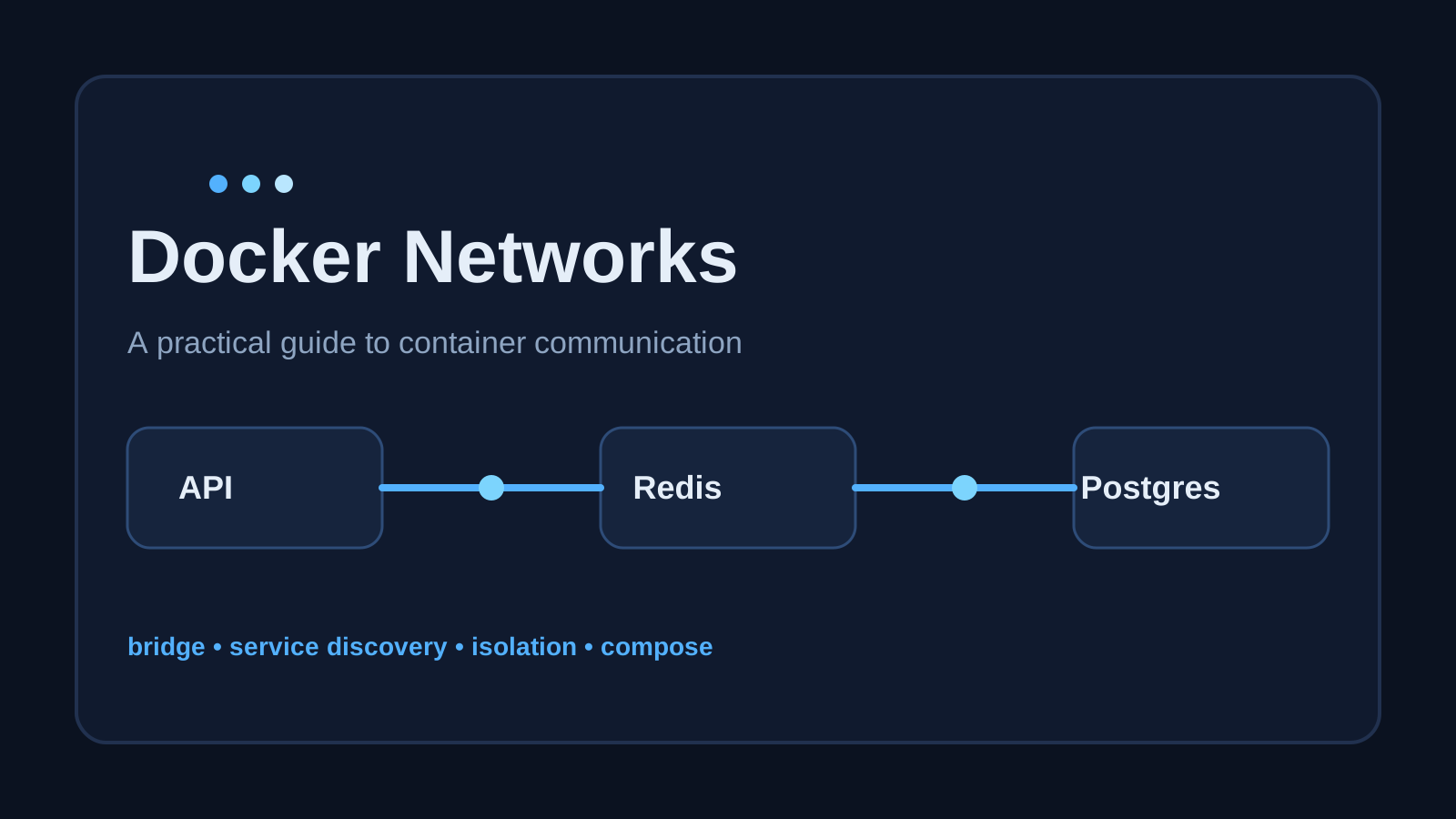
Docker Networks Explained for Real Projects
A practical guide to Docker networks, how containers talk to each other, and how to design safer local and production-ready service communication.

If you work with Docker long enough, you eventually stop asking, "How do I run this container?" and start asking, "How do these containers talk to each other properly?"
That is where Docker networks stop being a side feature and start becoming part of your application design.
A lot of Docker setups work at first by accident. You run a database container, run an API container, expose a few ports, and things seem fine. But as soon as you add a second service, split environments, or tighten security, the networking model starts to matter.
This article is a practical guide to Docker networks: what they are, why they matter, and how to use them without turning your local setup into a mystery.
What a Docker network actually is
A Docker network is the communication layer Docker gives to containers.
It decides things like:
- which containers can reach each other
- how they resolve names
- whether they are visible outside Docker
- how traffic flows between services
Think of it as an application-level private network for your containers.
Without a clear network setup, teams often fall back to exposing everything with host ports. That works, but it is usually noisier and less safe than necessary.
The first thing to understand: containers are isolated by default
A container is not your host machine.
It has its own network namespace, which means it gets its own interfaces, routes, and IP address inside Docker's virtual networking layer. So when your app tries to connect to localhost, it is connecting to itself, not to another container.
This is one of the most common beginner mistakes.
If your API container tries to connect to Postgres using:
DATABASE_URL=postgres://user:pass@localhost:5432/app
that usually fails when Postgres is running in another container, because localhost inside the API container is the API container itself.
What you usually want is the service name or container name on a shared Docker network.
The default bridge network vs user-defined bridge networks
Docker gives you a default bridge network, but for real projects you should usually create or use a user-defined bridge network.
Why?
Because user-defined bridge networks give you better service discovery and cleaner isolation.
Default bridge network
The default bridge network exists automatically. Containers can be attached to it, but name resolution is limited and the setup is less explicit.
User-defined bridge network
A user-defined bridge network is what you should reach for in most local multi-container projects.
It gives you:
- automatic DNS-based name resolution between containers
- better control over which services can talk to each other
- clearer project structure
Example:
docker network create app-net
Then run services on it:
docker run -d \
  --name postgres-db \
  --network app-net \
  -e POSTGRES_PASSWORD=secret \
  postgres:16

docker run -d \
  --name backend-api \
  --network app-net \
  -e DATABASE_URL=postgres://postgres:secret@postgres-db:5432/postgres \
  my-api-image
Now backend-api can reach Postgres using postgres-db as the hostname.
That is the key value: Docker handles the DNS for you inside the network.
Why service discovery matters
When multiple containers share a user-defined bridge network, Docker provides internal DNS.
That means you do not need to hardcode container IPs, which is good because container IPs are not something you should depend on. They change.
Instead of this fragile approach:
REDIS_HOST=172.18.0.4
use this:
REDIS_HOST=redis
This becomes especially useful in Docker Compose, where service names naturally become network hostnames.
Docker Compose makes this much easier
Most application teams should prefer Docker Compose for local orchestration.
A simple example:
services:
  api:
    build: .
    ports:
      - "3000:3000"
    depends_on:
      - db
      - redis
    environment:
      DATABASE_URL: postgres://postgres:secret@db:5432/app
      REDIS_URL: redis://redis:6379

  db:
    image: postgres:16
    environment:
      POSTGRES_PASSWORD: secret
      POSTGRES_DB: app

  redis:
    image: redis:7
In this setup, api, db, and redis are automatically placed on the same default Compose network.
Inside the api container:
dbresolves to the Postgres containerredisresolves to the Redis container
You do not need to manually create the network unless you want more control.
Exposing ports is not the same as container-to-container networking
This distinction is important.
When you publish a port like this:
ports:
  - "5432:5432"
that makes the container reachable from your host machine.
It does not mean another container should use localhost:5432 to talk to it.
Inside Docker networks, containers should usually communicate using:
- the shared network
- the service/container hostname
- the container's internal port
So your app container should connect to:
DATABASE_URL=postgres://postgres:secret@db:5432/app
not:
DATABASE_URL=postgres://postgres:secret@localhost:5432/app
Common network drivers you should know
You do not need every Docker network driver every day, but you should know what they are for.
1. Bridge
This is the most common driver for single-host container communication.
Use it for:
- local development
- backend + database + cache setups
- most standard Compose projects
2. Host
The container shares the host's networking stack.
Use it when:
- you need maximum network performance
- you explicitly need the container to bind directly to host interfaces
Be careful: this reduces isolation.
3. None
The container gets no external networking.
Use it when:
- you want a highly restricted container
- the workload does not need network access
4. Overlay
Used for multi-host communication, often in Docker Swarm environments.
Use it when:
- services need to talk across multiple Docker hosts
- you are working in orchestration environments that support it
For many developers, bridge networks are enough most of the time.
A practical pattern for real applications
A good mental model is to separate networks by responsibility.
For example:
- one network for internal app communication
- one network for services that also need reverse-proxy access
Example Compose setup:
services:
  nginx:
    image: nginx:latest
    ports:
      - "80:80"
    networks:
      - public

  api:
    build: ./api
    networks:
      - public
      - private

  db:
    image: postgres:16
    environment:
      POSTGRES_PASSWORD: secret
    networks:
      - private

networks:
  public:
  private:
In that structure:
nginxcan reachapiapican reachdbdbis not directly exposed on the public side
That is a cleaner architecture than exposing every container port to the host and hoping people use the right one.
Debugging Docker network problems
When containers cannot talk to each other, check the basics first.
1. Are the containers on the same network?
docker network ls
docker network inspect app-net
2. Is the hostname correct?
Use the service name or container name attached to the network.
3. Are you using the internal port, not the published host port?
Inside the Docker network, use the container port.
4. Is the target service actually ready?
depends_on only controls startup order. It does not guarantee readiness.
A database container may be started but still not ready to accept connections.
That means your app may need:
- retries on startup
- health checks
- wait-for-it style readiness logic
5. Can you test connectivity from inside the container?
You can exec into a running container:
docker exec -it backend-api sh
Then test DNS or connectivity from there.
For example, depending on the image tools available:
ping db
nc -zv db 5432
Even when ping is unavailable, being inside the container helps you reason about the real environment.
Docker networks and security
Docker networking is not a full security boundary on its own, but good network design reduces unnecessary exposure.
Some practical rules:
- do not publish ports you do not need on the host
- keep internal-only services on internal networks
- avoid putting databases directly on publicly reachable paths
- prefer service-to-service communication over host-based routing when possible
A containerized architecture becomes much easier to reason about when each service only sees what it actually needs to see.
A simple rule for local development
For most backend projects, this rule gets you surprisingly far:
- use Docker Compose
- let services share the default Compose network
- connect by service name
- only publish the ports you need from your host machine
That keeps the setup understandable and easy to debug.
Final takeaway
Docker networks are not just plumbing. They shape how your services discover each other, how much of your system is exposed, and how maintainable your environment becomes as the project grows.
If you remember only three things, make them these:
localhostinside a container means that container itself.- Containers on the same user-defined or Compose network should talk using service names.
- Published host ports are for host access, not for container-to-container communication.
Once you internalize those three ideas, Docker networking stops feeling random and starts feeling predictable.
And that is usually the point where containerized systems get easier to work with.